10 Tips for Downloading Instagram Videos Like a Pro
Download Instagram videos efficiently with these 10 expert tips. Learn about quality, formats, privacy, and best practices for video downloads.
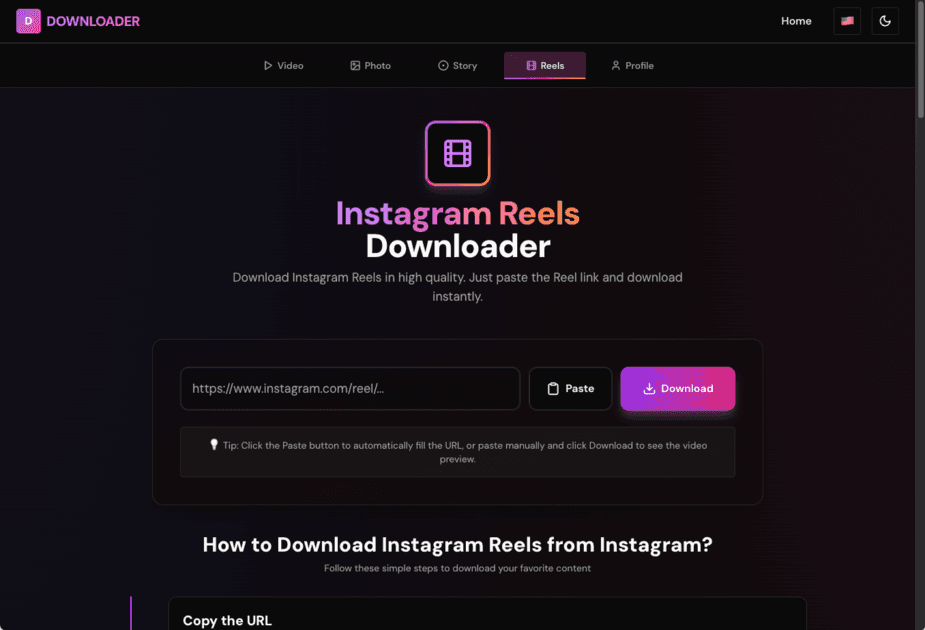
10 Game-Changing Tips for Downloading Instagram Videos Like a Pro
Hey there! If you're reading this, you've probably tried downloading Instagram videos before and maybe ran into some issues. Don't worry - I've been there too! After downloading way too many videos (seriously, my phone storage can attest to this), I've learned a thing or two that I wish someone had told me from the start.
Let me share these tips with you so you can avoid the mistakes I made and download videos like a pro.
1. Always Check if the Account is Public
This one's super important and it's the mistake I made most often when I first started. You can only download videos from public Instagram accounts. If someone's profile is private, Instagram won't let you access their content - and honestly, that's a good thing for privacy!
I've lost count of how many times I tried to download a video, got frustrated when it didn't work, and then realized the account was private. Save yourself the headache and check first!
2. Copy the Full URL (Trust Me on This)
When you're copying the link, make sure you get the complete URL. It should look something like https://www.instagram.com/reel/ABC123/ or https://www.instagram.com/p/XYZ789/.
I used to accidentally copy just part of the URL, especially on mobile, and then wonder why nothing was working. Take an extra second to make sure you've got the whole thing - it'll save you time in the long run.
3. Quality is What You Get
Here's something cool: our downloader keeps whatever quality the creator uploaded. So if they posted in super high quality, that's what you'll get. If they uploaded a lower quality video (maybe to save data), that's what you'll download.
The quality isn't something we control - it's all about what the original uploader chose. Pretty fair, right?
4. Your Internet Connection Matters More Than You Think
I learned this the hard way when I was trying to download videos on a slow connection. A good, stable internet connection makes downloads way faster and prevents those annoying interruptions mid-download.
If you're on mobile data and it's being sluggish, try switching to WiFi. Your future self will thank you!
5. Desktop is Better for Big Files
Our downloader works great on mobile, but if you're downloading longer videos or multiple files, desktop browsers tend to handle it better. They're just more powerful, you know?
I usually use my phone for quick downloads, but when I'm downloading a bunch of videos at once, I switch to my laptop. It's just smoother.
6. Get Organized (Your Future Self Will Thank You)
Okay, this might sound boring, but hear me out. When I first started downloading videos, I just saved them all to my downloads folder. A month later, I had hundreds of videos with names like "video-12345.mp4" and no idea what any of them were.
Now I create folders - one for recipes, one for workouts, one for funny videos. It takes two seconds to organize, and it makes finding things so much easier later. Trust me on this one!
7. Be Respectful of Creators
This is really important to me. When you download someone's content, remember that they worked hard on it. If you're going to share it or use it, always give credit where credit is due.
I've seen too many people download videos and repost them without crediting the creator. That's not cool. Be better than that, you know?
8. Keep Your Browser Updated
I know, I know - browser updates are annoying. But they're important! Updated browsers work better, are more secure, and handle downloads more smoothly.
I used to ignore updates until I realized my downloads were failing because my browser was outdated. Now I update regularly, and everything works so much better.
9. When in Doubt, Clear Your Cache
If downloads start failing or acting weird, try clearing your browser cache and cookies. It sounds technical, but it's actually super easy (just Google "clear cache [your browser name]" if you're not sure how).
This fixes like 90% of weird download issues. It's my go-to troubleshooting step.
10. Use a Tool That Actually Works
Look, I've tried a lot of downloaders. Some wanted me to install sketchy software. Others wanted me to create accounts and give them my email. Some just didn't work at all.
Our tool is free, doesn't require any sign-up, and just works. No gimmicks, no hidden fees, no sketchy software. Just paste the link and download. It's refreshing, honestly.
My Final Thoughts
Downloading Instagram videos doesn't have to be complicated. Follow these tips, and you'll be downloading videos smoothly in no time. The key is using the right tool and knowing these little tricks that make everything easier.
And remember - always respect the creators whose content you're downloading. They put time and effort into making that content, so give them credit when you share it!
Happy downloading! 🎬
Share this article
Related Articles
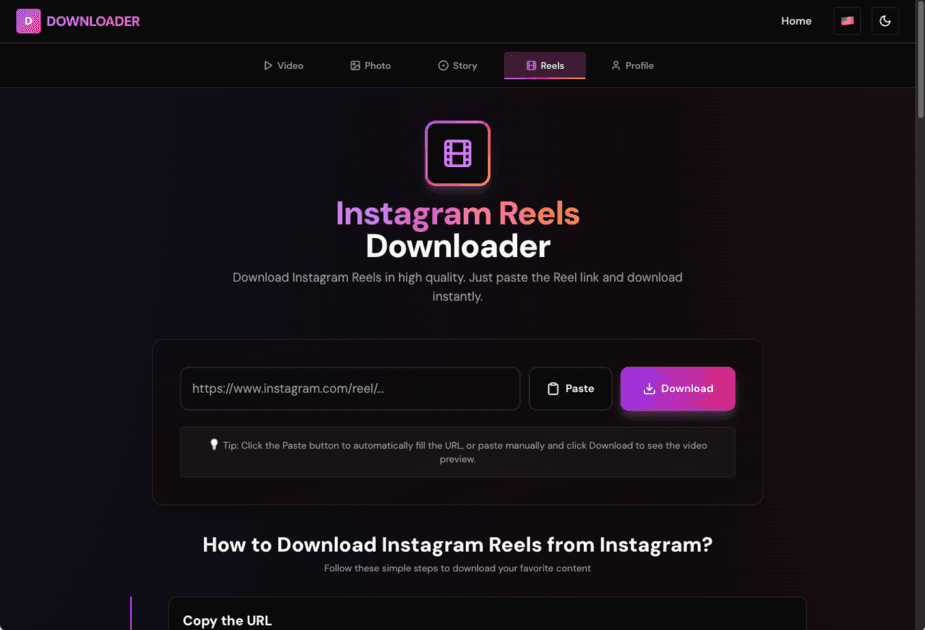
How to Download Instagram Reels: Complete Guide 2025
Learn the easiest way to download Instagram Reels on any device. Step-by-step guide with tips for high-quality downloads. No tech skills needed.
How to Download Instagram Profile Pictures in HD
Download Instagram profile pictures in high definition. Step-by-step guide with the easiest methods. Works with usernames or profile URLs.
How to Grow Instagram Followers Organically in 2025: Complete Guide
Learn proven strategies to grow your Instagram followers organically in 2025. No bots, no fake followers - just real, actionable tips that work. Build an engaged audience the right way.
Comments
Notes are saved only in this browser (local storage). They are not sent to a server.
Comments
Loading…