How to Download Instagram Profile Pictures in HD
Download Instagram profile pictures in high definition. Step-by-step guide with the easiest methods. Works with usernames or profile URLs.
How to Download Instagram Profile Pictures in HD (It's Easier Than You Think!)
You know what's annoying? When you want to save someone's profile picture - maybe it's a friend's new photo, or a creator whose picture you love - but Instagram only shows you this tiny, blurry version. Ugh!
Well, I've got good news: you can actually download profile pictures in full HD quality, and it's way easier than you might think. Let me show you how.
Why Would You Want to Do This?
Before we get into the how, let me share why I find this useful:
Saving memories - Sometimes friends change their profile pictures, and you want to keep the old one. Or maybe you want to save a family member's photo to your phone.
Creating contact photos - I love using Instagram profile pictures as contact photos on my phone. It makes my contacts list way more personal and easier to navigate.
For inspiration - If you're into design or photography, profile pictures can be great references. Having them in HD makes a big difference.
Backing up important photos - If someone's account gets deleted or they change their picture, having a backup is nice.
The Super Easy Method (My Go-To!)
Okay, here's the method I use - it's honestly so simple:
Step 1: Get the username or URL
You can either copy the full Instagram profile URL (like https://www.instagram.com/username/) or just grab the username itself. Both work!
Step 2: Paste it in our tool
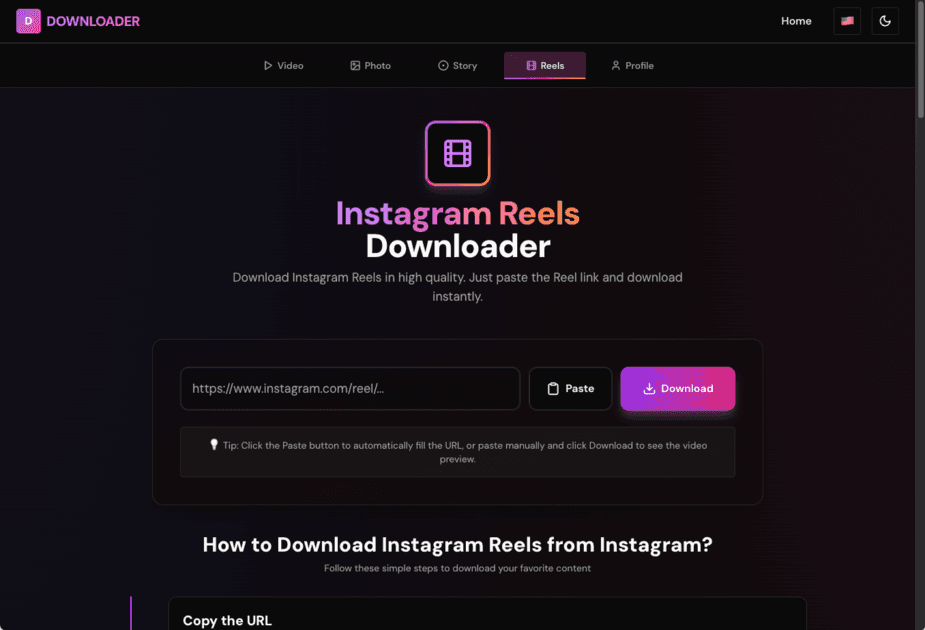
Head to our profile picture downloader and paste that username or URL. You don't even need to include the @ symbol - just the username works.
Step 3: Download!
Click download, and boom - you've got the HD profile picture saved to your device. It literally takes seconds.
The cool part? Our tool automatically grabs the highest quality version available. Instagram stores profile pictures in different sizes, and we get you the best one. No guesswork needed!
What About the Technical Method?
You might have heard about using browser developer tools to download profile pictures. I've tried it, and honestly? It's way more complicated than it needs to be.
You have to right-click, find the right element in the code, extract the URL, open it in a new tab... it's a whole process. Plus, it doesn't always work, especially on mobile.
Our tool does all that technical stuff for you, so you don't have to. That's the whole point, right? Make things easier!
Understanding the Quality Thing
Here's something interesting I learned: Instagram stores profile pictures in different sizes. The standard one you see in the app is usually 150x150 pixels - that's why it looks small and sometimes blurry.
But Instagram also keeps a high-definition version (up to 1080x1080 pixels) that you can access if you know how. That's what our downloader grabs for you automatically.
The quality you get depends on what the person uploaded. If they uploaded a super high-res photo, you'll get that. If they uploaded something smaller, that's what's available. We just get you the best version that exists.
Pro Tips I've Picked Up
After downloading hundreds of profile pictures (yes, I have a problem), here's what I've learned:
Usernames are case-sensitive - Well, sort of. Instagram usernames aren't actually case-sensitive, but it's good practice to use the exact format you see.
Public profiles only - Just like with videos, you can only download profile pictures from public accounts. Private accounts are off-limits, which makes sense for privacy.
Check if they have a picture - This sounds obvious, but if someone hasn't set a profile picture (or removed it), there's nothing to download. I've definitely tried to download a profile picture that didn't exist before!
Use our tool - I know I'm biased, but honestly, it's the easiest way. No technical knowledge needed, no complicated steps, just paste and download.
My Personal Story
I remember the first time I wanted to download a profile picture. It was my best friend's new photo, and I wanted to save it. I spent way too long trying to figure out how to do it, tried all sorts of complicated methods, and eventually gave up.
Then I found this method, and I felt so silly for making it complicated! Now I can download any profile picture in seconds. It's become one of those "why didn't I know about this sooner?" things.
Wrapping It Up
Downloading Instagram profile pictures in HD doesn't have to be complicated. With the right tool, it's literally a three-step process: get the username, paste it, download. That's it!
The next time you want to save someone's profile picture, give this a try. I promise it's way easier than you think, and you'll have that HD photo saved in no time!
Share this article
Related Articles
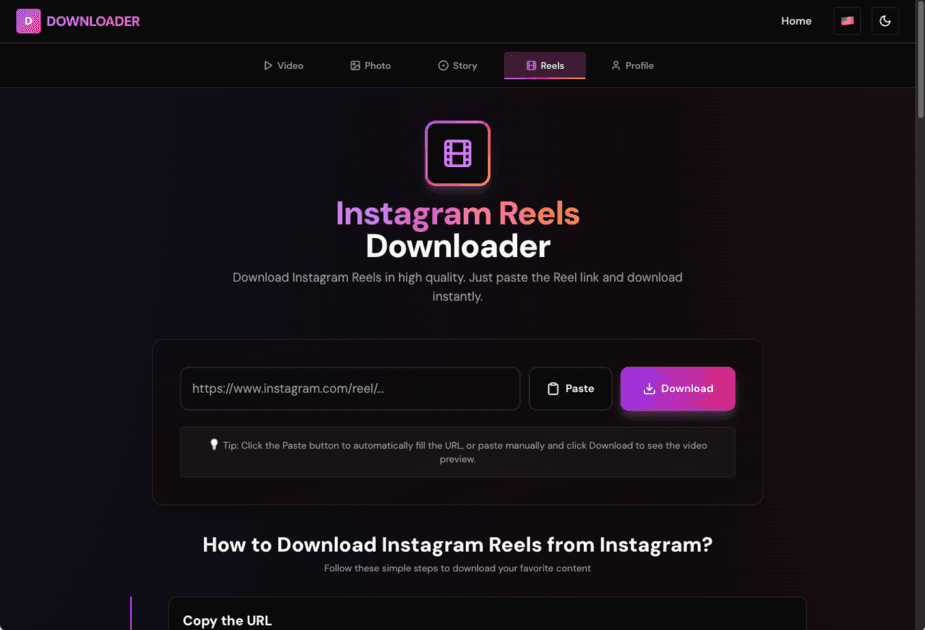
How to Download Instagram Reels: Complete Guide 2025
Learn the easiest way to download Instagram Reels on any device. Step-by-step guide with tips for high-quality downloads. No tech skills needed.
10 Tips for Downloading Instagram Videos Like a Pro
Download Instagram videos efficiently with these 10 expert tips. Learn about quality, formats, privacy, and best practices for video downloads.
How to Grow Instagram Followers Organically in 2025: Complete Guide
Learn proven strategies to grow your Instagram followers organically in 2025. No bots, no fake followers - just real, actionable tips that work. Build an engaged audience the right way.
Comments
Notes are saved only in this browser (local storage). They are not sent to a server.
Comments
Loading…